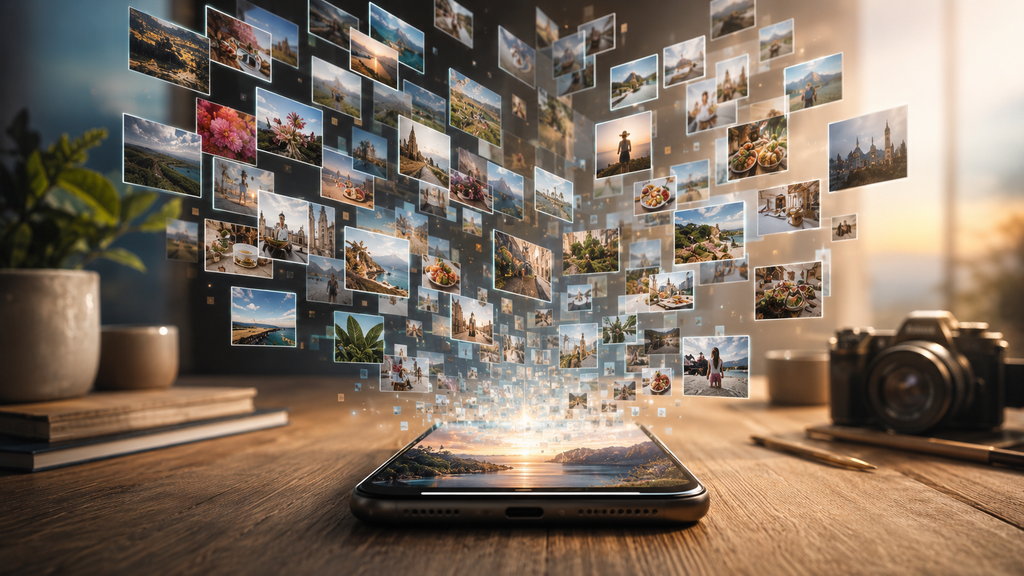
I was scrolling through my phone recently, looking for an old picture I'd saved months ago.
It took forever.
Because almost everything looked the same.
Screenshots. Downloads. Random pictures I'd completely forgotten about.
And some of the file names?
Things like IMG2048.
I had to check my own blog after that, and let's just say some of those images were
not doing me any favours.
I mean, if I couldn't tell what some of my own files were, how was Google supposed
to understand them?
So I started looking into it.
And I realised something a lot of bloggers probably do, myself included.
We spend hours writing an article, then treat the image like an afterthought.
Write.
Edit.
Proofread.
Find a picture.
Upload.
Publish.
Done.
Except that last picture can do more work than we give it credit for.
Here are five simple things I now pay attention to.
1. Give your image a proper name
IMG2048.jpg isn't exactly helpful.
Neither is Screenshot-final-final2.png.
If you're writing about small bedroom ideas, something like small-bedroom-design-ideas.jpg gives much more useful context.
It takes a few seconds.
Do it before uploading.
2. Don't ignore alt text
Alt text sounds technical, but the idea is simple.
Describe what's actually in the image.
If your article is about home office ideas and the image shows a small desk beside a
window, say that.
Don't stuff it with random keywords.
You're describing the picture for people who may not be able to see it, while also
giving search engines more context about the image.
3. Use an image that actually belongs there
This one sounds obvious.
It isn't.
We've all opened an article because the picture looked interesting, only to discover
that the image had almost nothing to do with the story.
That's annoying.
Your image should support the article, not just fill the empty space above the
headline.
If you're writing about starting a small online business, a random picture of a
Lamborghini isn't going to make the article more useful.
It might get attention.
It won't build much trust.
4. Keep your images clear
You don't need a professional camera.
Most modern smartphones can produce perfectly good images.
What matters is that the picture is clear, relevant and easy to understand.
Avoid uploading a huge file just because it looks impressive on your phone. Large,
poorly optimised images can make pages slower, and nobody enjoys waiting for a
blog page to load.
Good doesn't have to mean complicated.
5. Give the image some context
This is the one I overlooked for a long time.
An image doesn't exist by itself.
The headline, article text, caption and surrounding content all help explain what that
image is about.
So if you're writing about Google Images, for example, the image should make sense
alongside the story.
Don't just ask, “Does this picture look nice?”
Ask:
“Does this picture help tell the story?”
That small change in thinking can make a difference.
And honestly, I've also realised that creating content is only half the battle.
The other half is all the little jobs around it.
Write the article.
Find the image.
Rename the file.
Resize it.
Upload it.
Schedule the post.
Share it.
Find the file again because, naturally, you've forgotten where you saved it.
I've spent enough time jumping between different apps to know how quickly those
little tasks can eat into a day.
If you're building a blog or online business from your phone, you'll quickly realise that
creating is only half the job. There are plenty of little tasks happening in the
background too. I've been trying to automate some of these tasks that eat up
time with tools like Auxi Sherpa's Blogging Automation, simply because I'd rather
spend that time writing than clicking through the same tasks over and over.
And that's really the point.
None of these image tips is difficult.
Most take less than a minute.
But when you're publishing article after article, those small details add up.
I've started looking at blog images differently now.
They're not just the pretty picture sitting above my article.
They're another piece of information.
Another opportunity to help someone understand what I've created.
And potentially, another way for someone to discover it.
So the next time you're about to upload an image called IMG2048, take a second.
Give it a name.
Describe it properly.
Make sure it belongs in the story.
Then hit publish.
Your future readers and maybe Google, will have a much better idea of what they're looking at.
If you have an article, opinion piece or news story you'd like published on Global News Arena, or you're ready to begin building your own digital income stream from your phone, I'd love to hear from you.
Send me an email at advertise@globalnewsarena.com