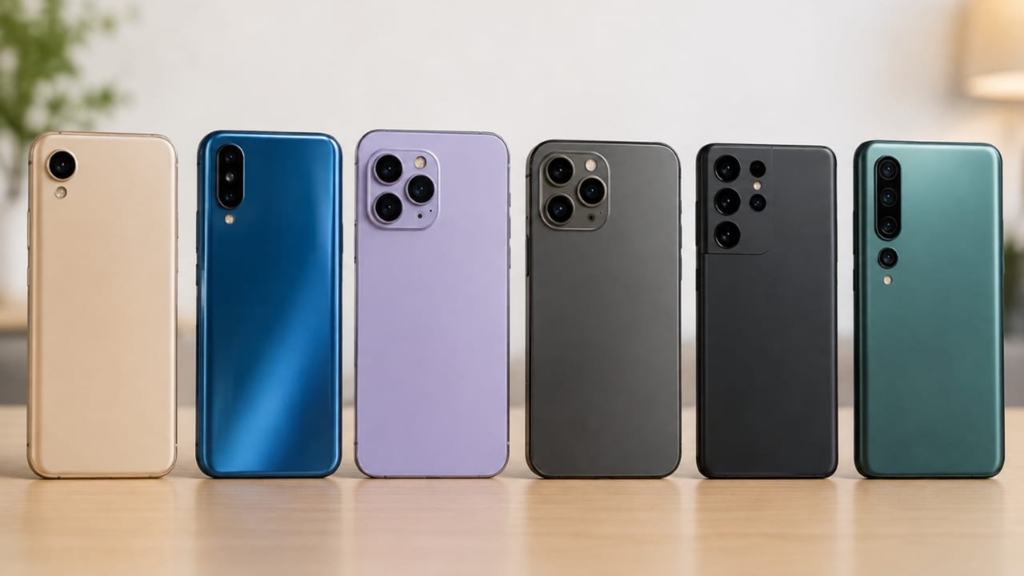
Buying a phone can cost a lot of money, especially when the device is needed for work, school or business. Unfortunately, some sellers offer fake phones, damaged devices or products that do not match their descriptions.
READ: NCC Introduces Phone Checker as Nigeria Moves Against Fake and Unapproved Phones
A phone may look genuine on the outside but still have problems inside. Knowing what to check before paying can help buyers make better decisions.
The first step is to buy from a trusted seller. Choose a recognised shop or a seller with a good reputation. Ask for a receipt and find out whether the phone comes with a warranty.
READ: Lagos Warns About Adulterated Palm Oil. The Bigger Problem Is Knowing What You Are Buying
Be careful when a seller refuses to provide basic information or pressures you to pay quickly. A very low price can be tempting, but it may also be a warning sign if the offer seems too good to be true.
Next, examine the phone carefully. Check the screen, buttons, cameras, charging port and speakers.
Make sure the device switches on properly and that the battery does not drain unusually fast during a short test. Try making a call, connecting to the internet and using the main features. If the phone is advertised as new, ask why it has scratches, signs of opening or missing accessories.
Buyers should also check the phone’s identity and approval status. On phones that support it, dial #06# to display the International Mobile Equipment Identity number, commonly called the IMEI. Compare it with the number shown in the phone settings or on the original packaging where available. Differences may require further investigation.
In Nigeria, buyers can use the Nigerian Communications Commission’s official Device Checker at ncc.gov.ng/devicechecker or dial 315# to check applicable approval and verification information.
A successful device check does not mean every part of the phone is perfect. It does not guarantee that the battery is healthy, that the phone has never been repaired or that every component is genuine.
Buyers should still test the device and ask about its history. For a second hand phone, confirm whether the seller can remove their accounts and security locks before the sale is completed.
It is also important to understand the warranty and return policy.
Ask what happens if the phone develops a problem after purchase.
Keep the receipt, warranty information and any written agreement with the seller.
Avoid paying the full amount to an unknown seller before you have inspected the device. When buying online, check the seller’s reviews and understand the platform’s buyer protection rules.
Protect your personal information when testing a phone.
READ: Why Product Verification Is Becoming a Business Necessity
Do not share passwords or verification codes with a seller. If a seller asks you to enter a code, make sure you understand what the code is for and that you are using an official service.
After buying a phone, update its software where possible, use a secure screen lock and install applications from trusted sources.
A careful buyer does not need to be a phone expert.
By choosing a trusted seller, testing the device, checking its identity and keeping proof of purchase, you can reduce the risk of losing money.
Taking a few extra minutes before paying may save you the cost and stress of dealing with a fake, faulty or unsuitable phone later.
If you have an article, opinion piece, event or news story you would like published, Global News Arena would love to hear from you.
Send a message to Global News Arena contact to get in touch.